> For the complete documentation index, see [llms.txt](https://solaartw.gitbook.io/developer/llms.txt). Markdown versions of documentation pages are available by appending `.md` to page URLs; this page is available as [Markdown](https://solaartw.gitbook.io/developer/documentation/utilities-1/010-editor.md).
# 010 Editor
## 010 Editor
What is 010 Editor?
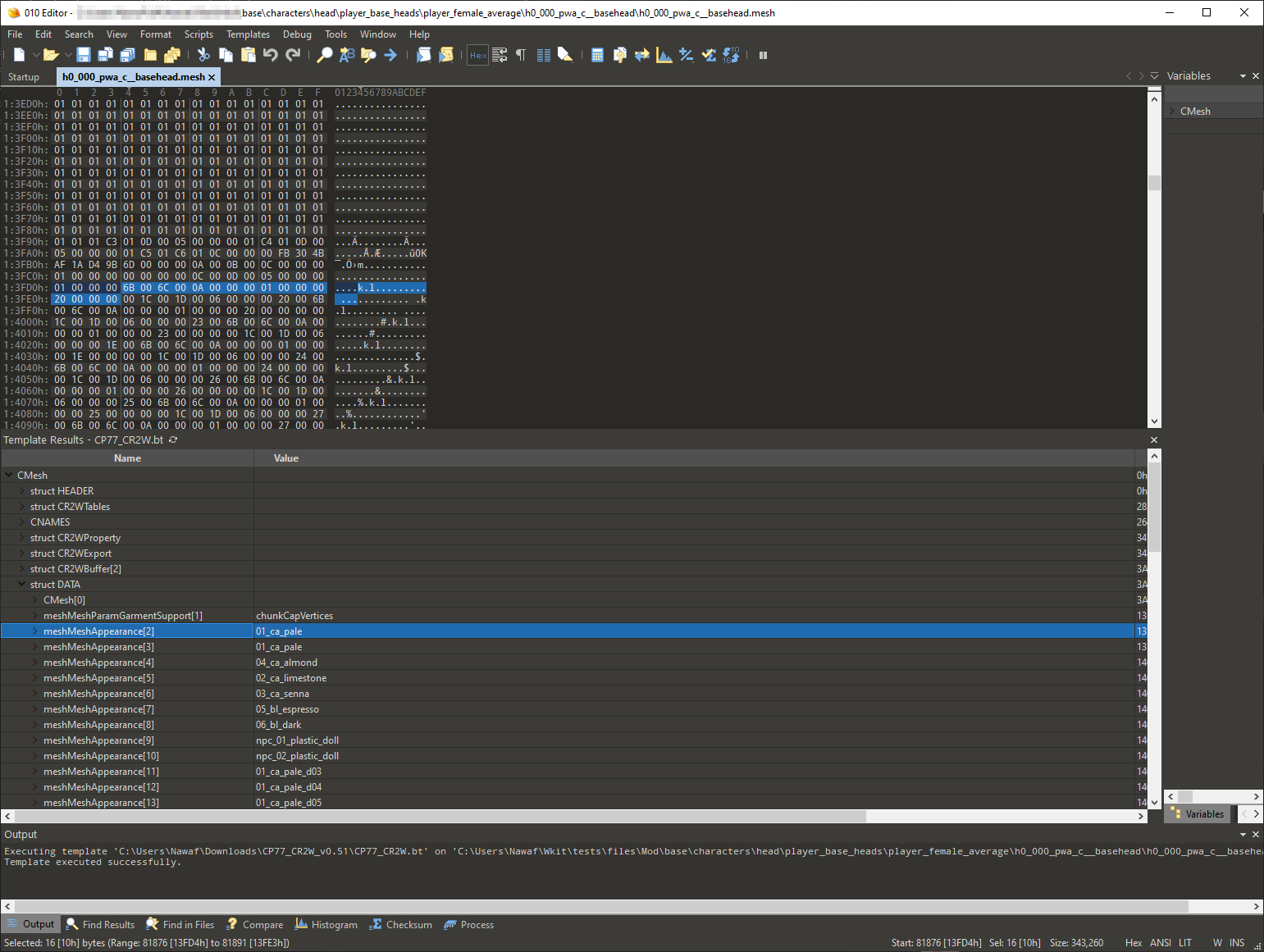
010 Editor with CP77_CR2W template
file010 Editor is a generic hex editing software which is capable of reading and writing REDengine W2RC files. A custom template for the 010 Editor created by @alphaZomega must be used to parse game files as human-readable.
### Download
The 010 Editor can be downloaded from Sweetscape's website[010 Editor - Pro Text/Hex Editor | Edit 200+ Formats | Fast & Powerful | Reverse Engineering](https://www.sweetscape.com/010editor/)
**010 Editor Template for Cyberpunk 2077**
alphaZomega's CP77\_CR2W\.bt 010 template can be downloaded from the following link: [https://www.mediafire.com/file/udqqvb4yz1xpuka/CP77\_CR2W\_v0.51.zip](https://www.mediafire.com/file/udqqvb4yz1xpuka/CP77_CR2W_v0.51.zip/file)
### Setup
1. 1.Install 010 Editor and run it.
2. 2.install alphaZomega's template by navigating to Templates > View Installed Templates, then click Add and add CP77\_CR2W\.bt.
3. 3.Navigate to your Cybeprunk 2077 installation, locate the *`oo2ext_7_win64.dll`* file, then copy and paste the DLL to the same location as the BT template file.
### Scripts
#### Unkarkify and Rebuild
Unpack and pack the compressed "KARK'd" data within a CP77\_CR2W file
#### Erase
Deletes an entire name and value's worth of a section inside the aforementioned formatted file
#### changeMatHdrs
Changes all the Material headers' numbers inside a file to be a universal one with zero offsets
#### insertMatHdrs
Creates a new material header inside a file